# TomorrowLAN Quad Stream Overlays
HTML/CSS browser source overlays for OBS Studio (1920x1080) featuring a 2x2 quad stream layout for the TomorrowLAN gaming event.
## Assets
| File | Description |
|------|-------------|
| `bg.png` | Static dark blue matrix background image |
| `logo_noyear.png` | TomorrowLAN logo (cyan/white) |
---
## Overlay Files
### Standard Layout (935x515 panels)
Panels fill the full canvas with 15px edge padding and 20px gap.
#### Static background (bg.png)
| Static | Glow | Breathe |
|--------|------|---------|
| 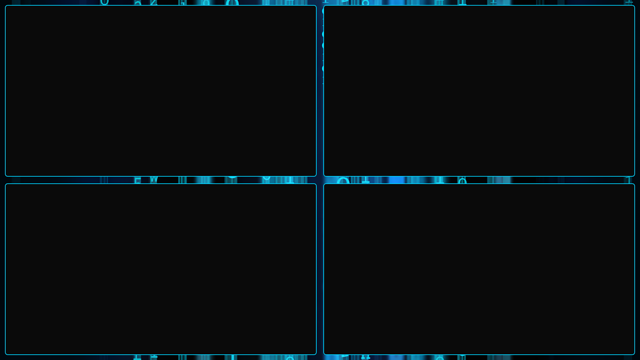 | 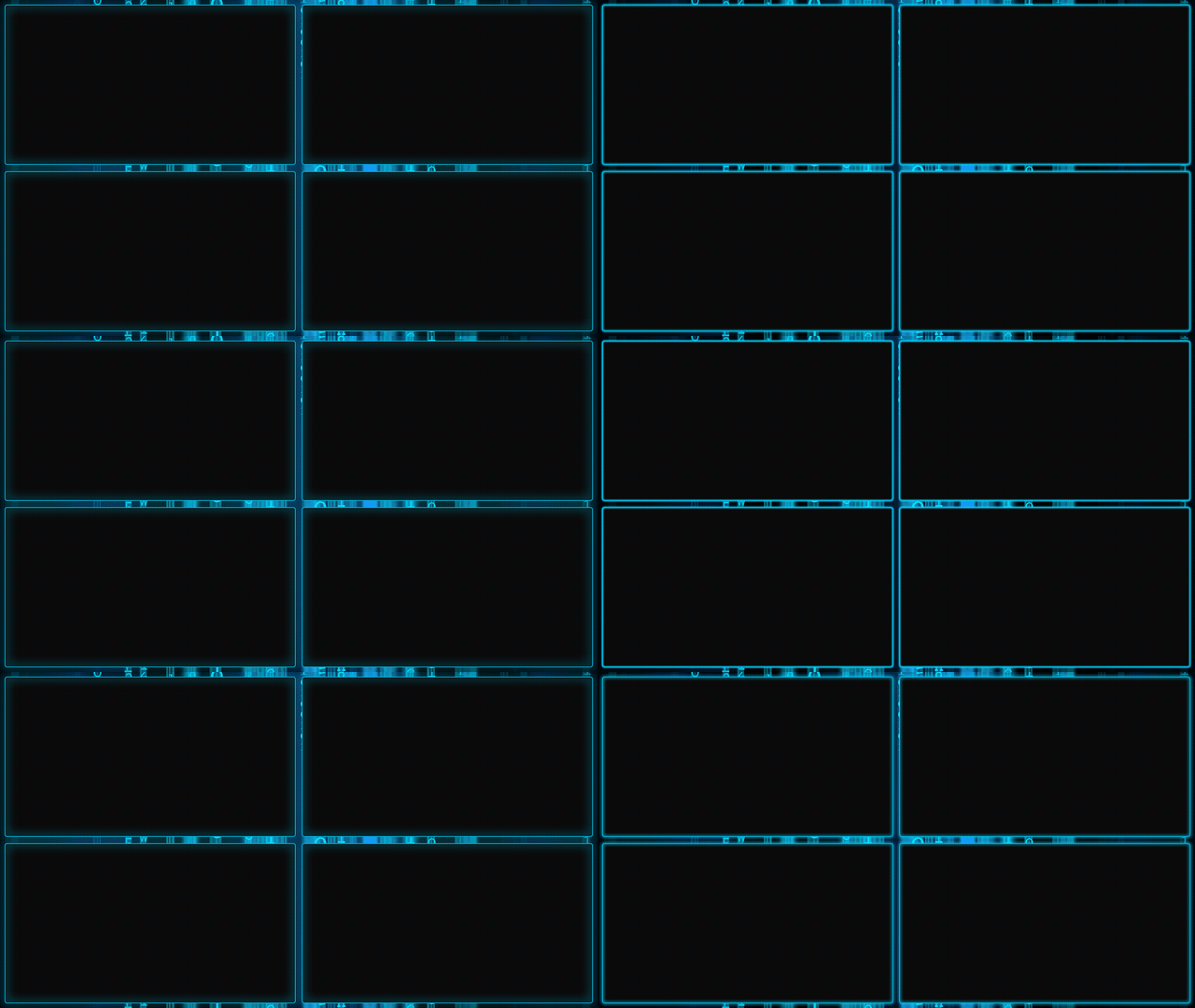 | 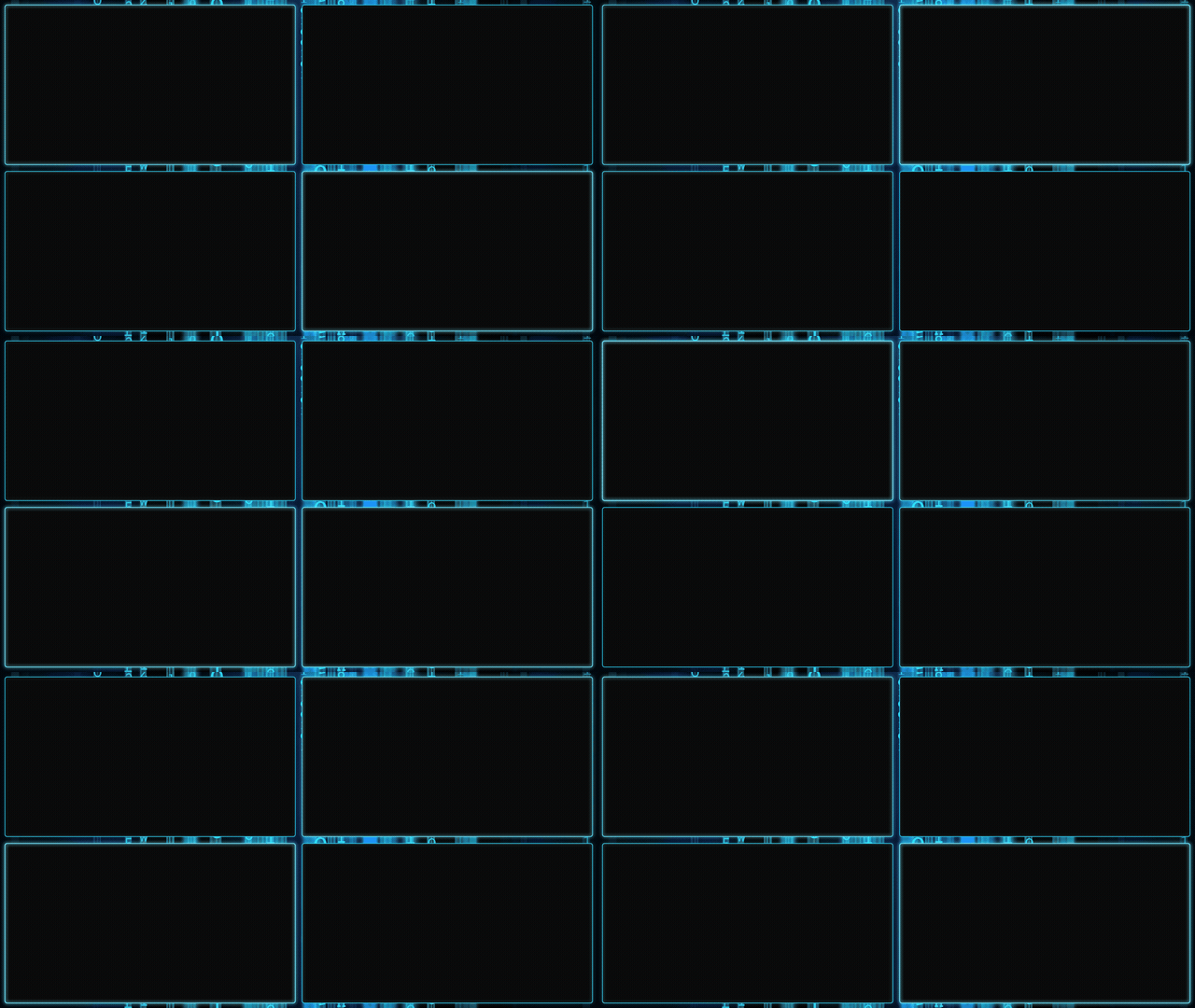 |
| `quad_static.html` | `quad_glow.html` | `quad_breathe.html` |
| Bar | Dual Bars | Wave |
|-----|-----------|------|
| 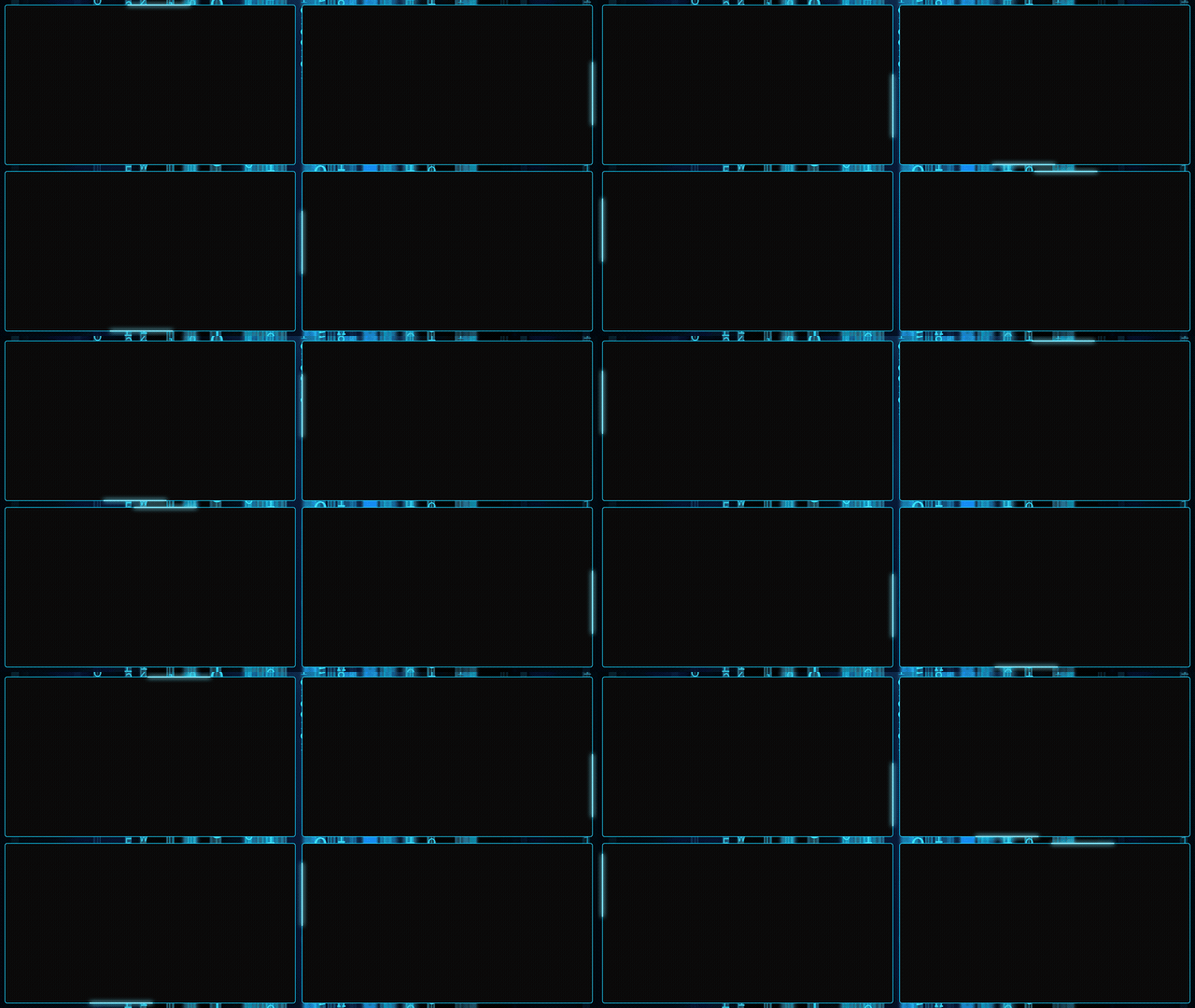 | 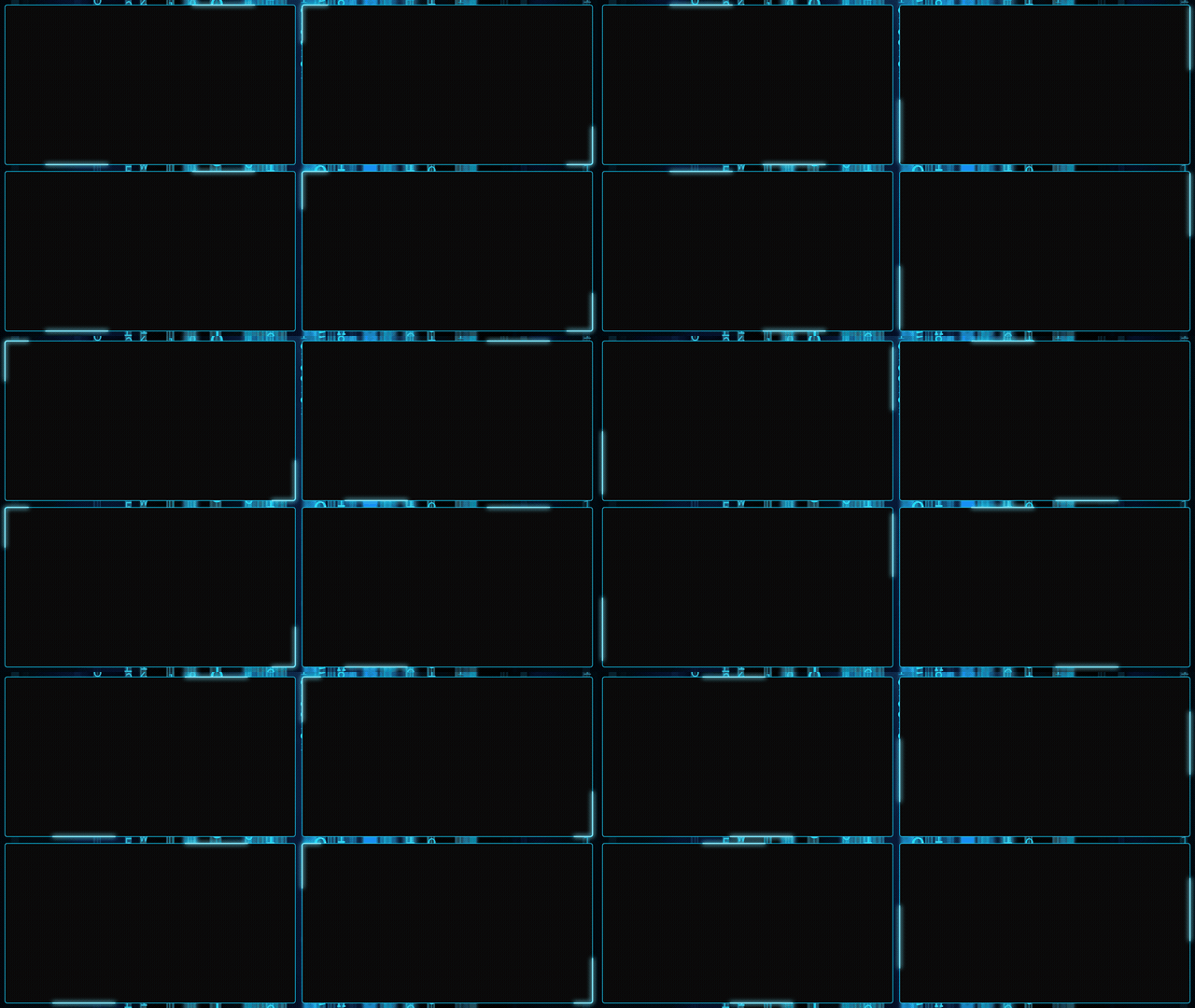 | 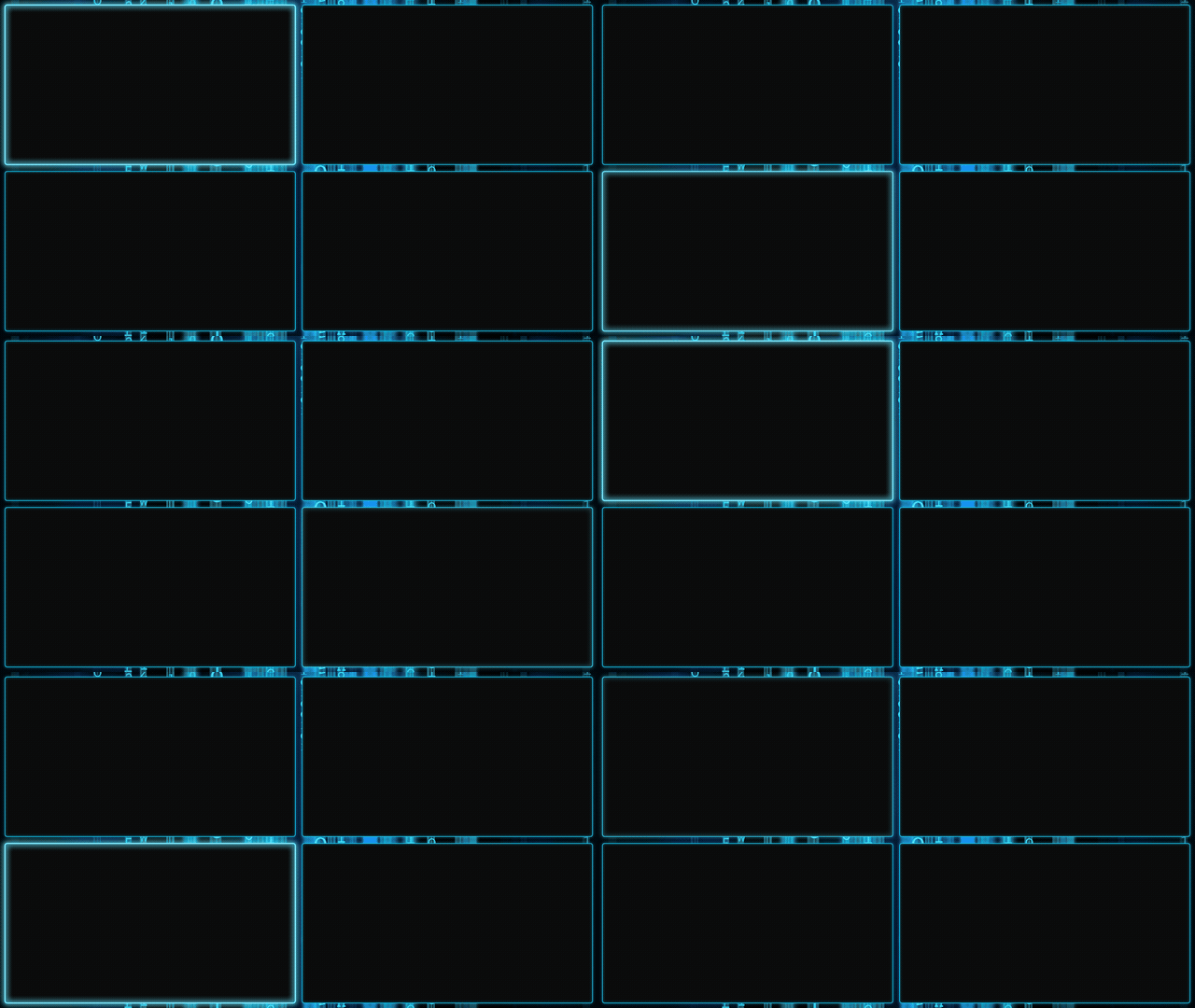 |
| `quad_bar.html` | `quad_dualbars.html` | `quad_wave.html` |
#### Animated matrix background
| Static | Glow | Breathe |
|--------|------|---------|
| 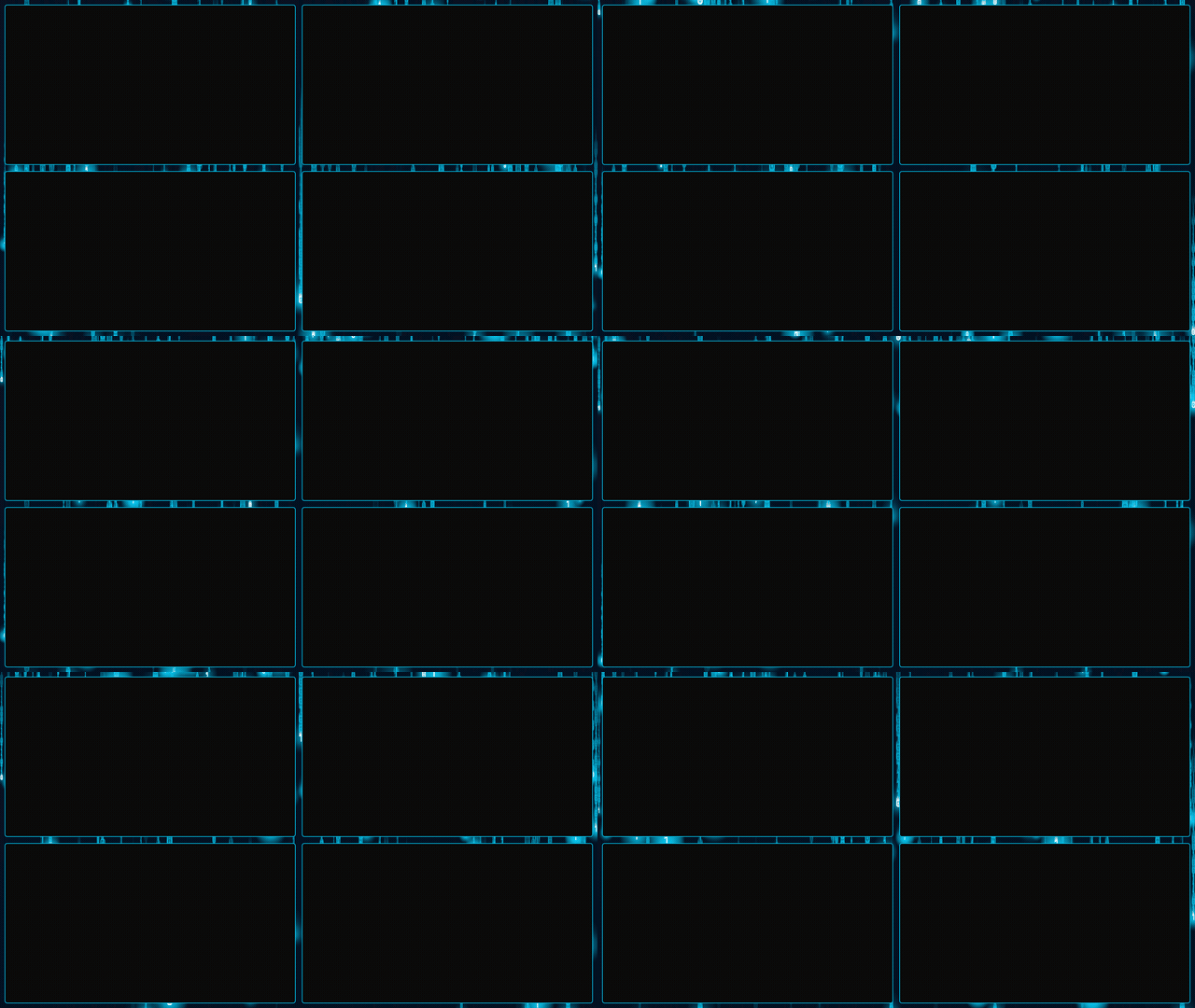 | 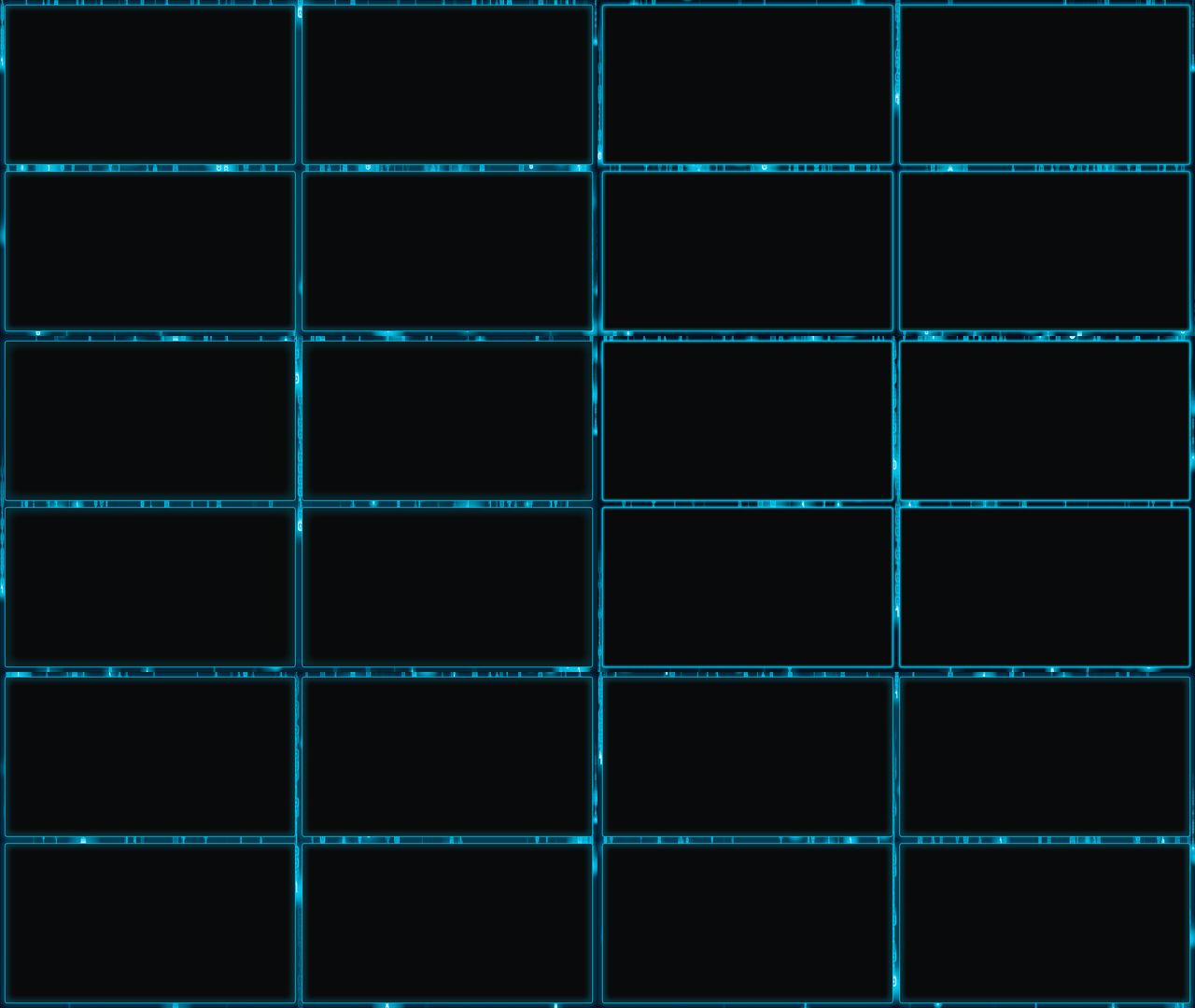 | 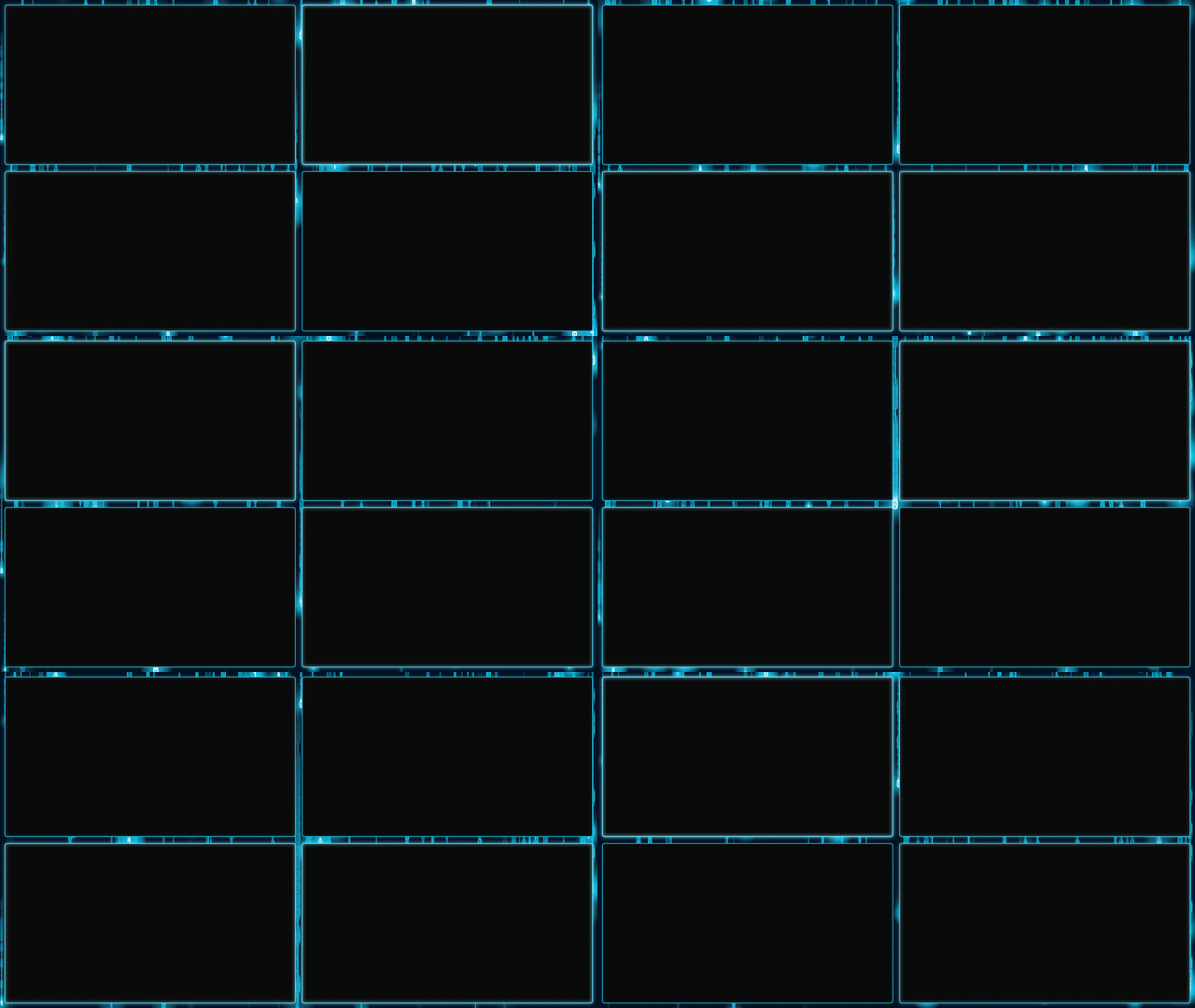 |
| `quad_matrix_static.html` | `quad_matrix_glow.html` | `quad_matrix_breathe.html` |
| Bar | Dual Bars | Wave |
|-----|-----------|------|
| 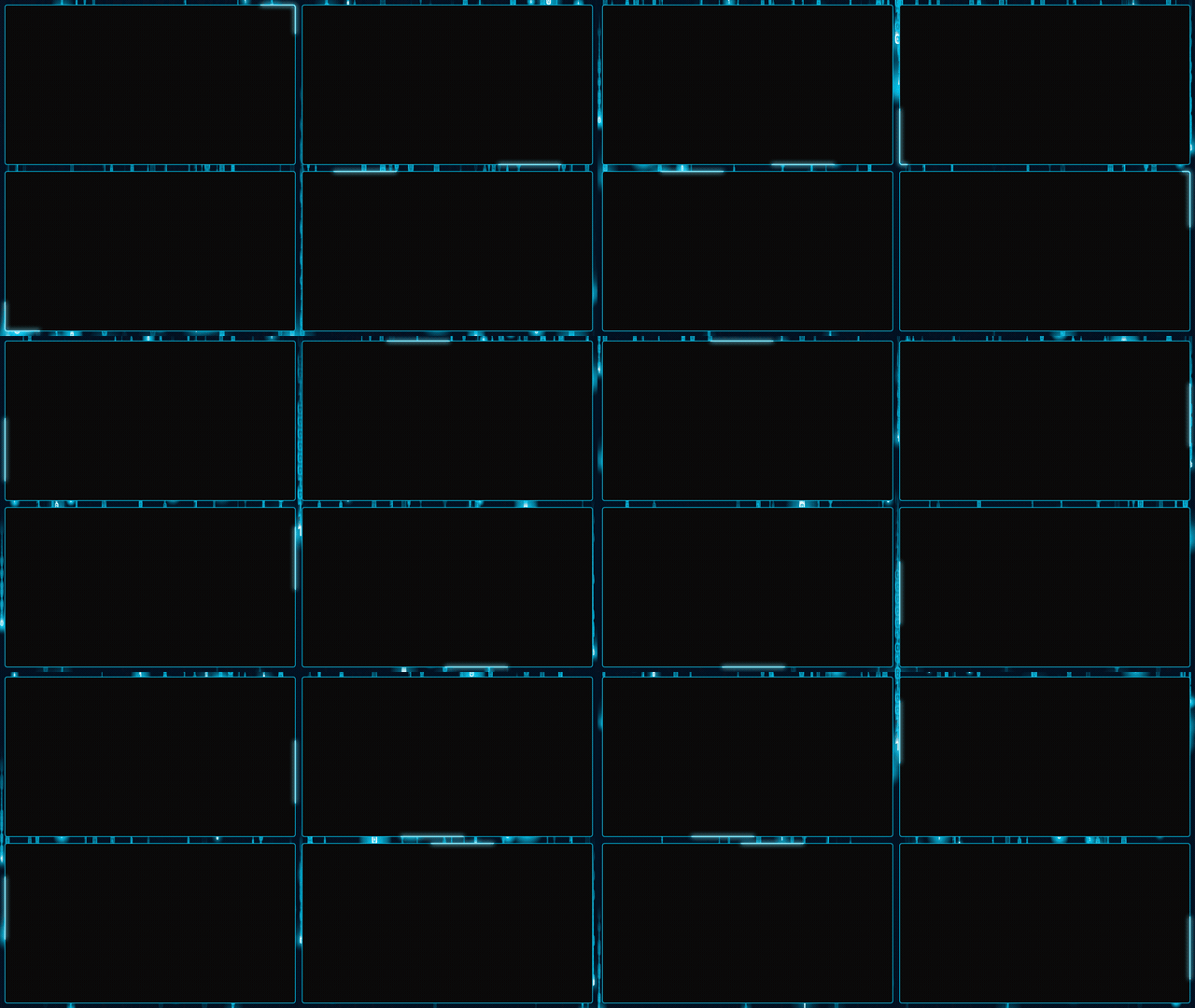 | 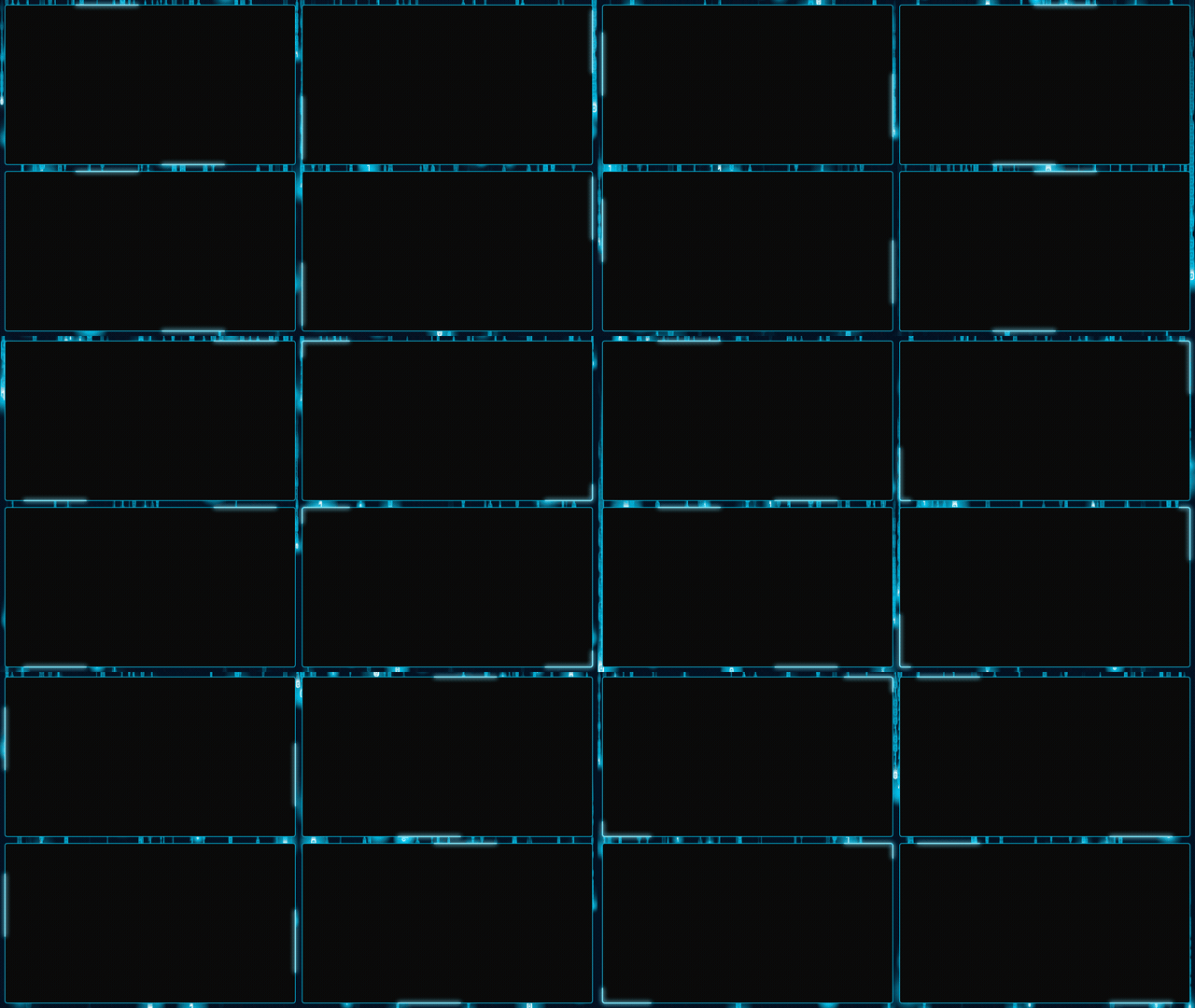 | 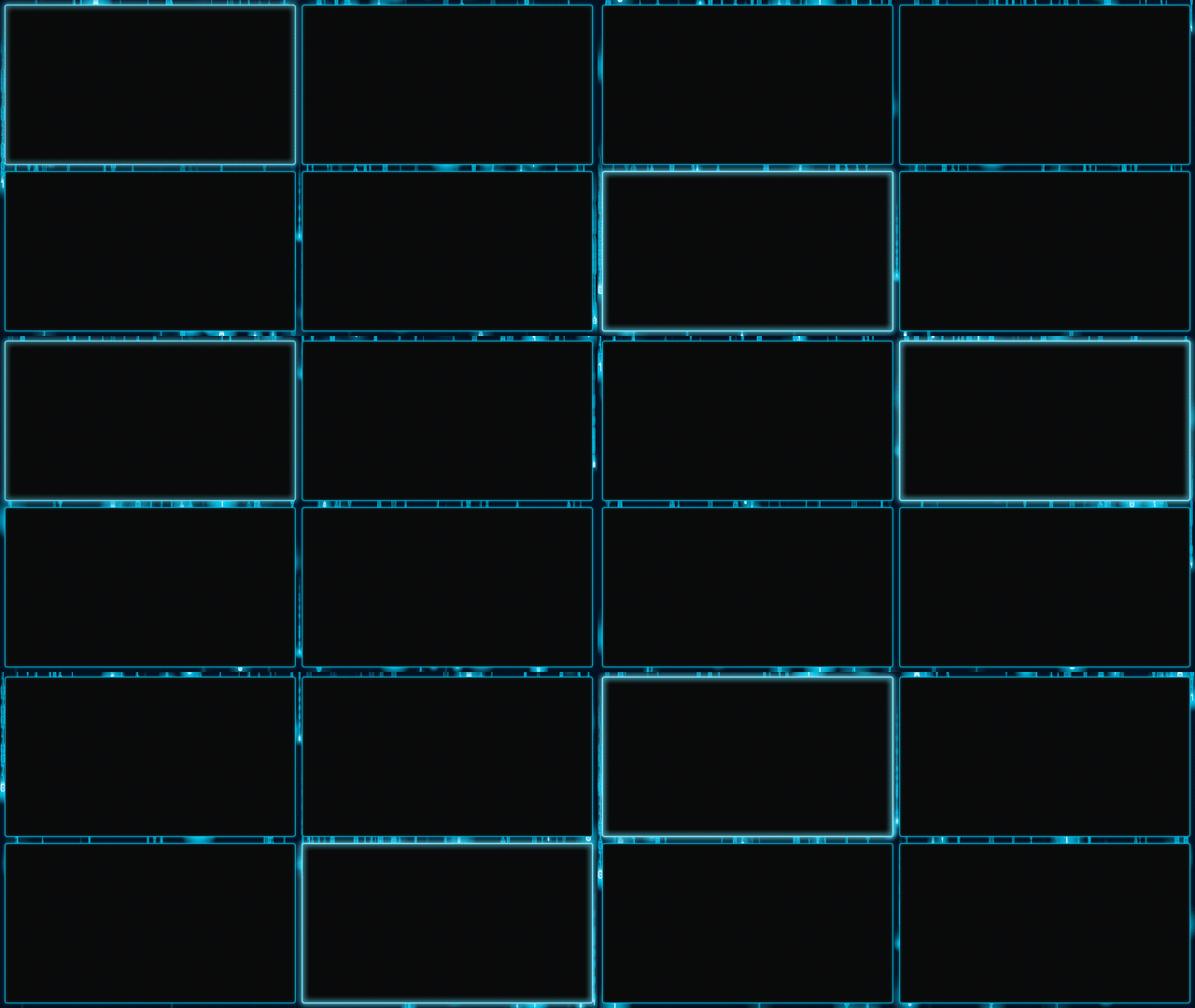 |
| `quad_matrix_bar.html` | `quad_matrix_dualbars.html` | `quad_matrix_wave.html` |
### Gap Layout (780x439 panels, exact 16:9)
330px vertical gap between columns, 96px row gap. Panels are exactly 16:9.
#### Static background (bg.png)
| Static | Glow | Breathe |
|--------|------|---------|
| 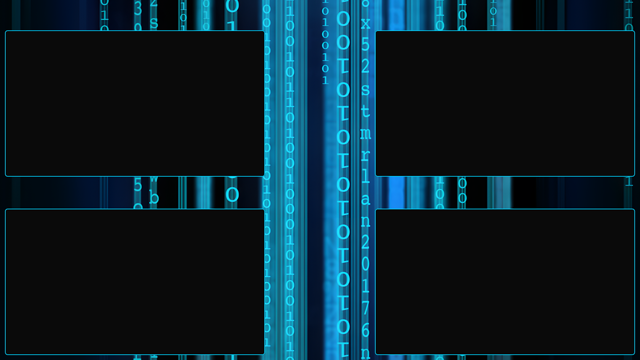 | 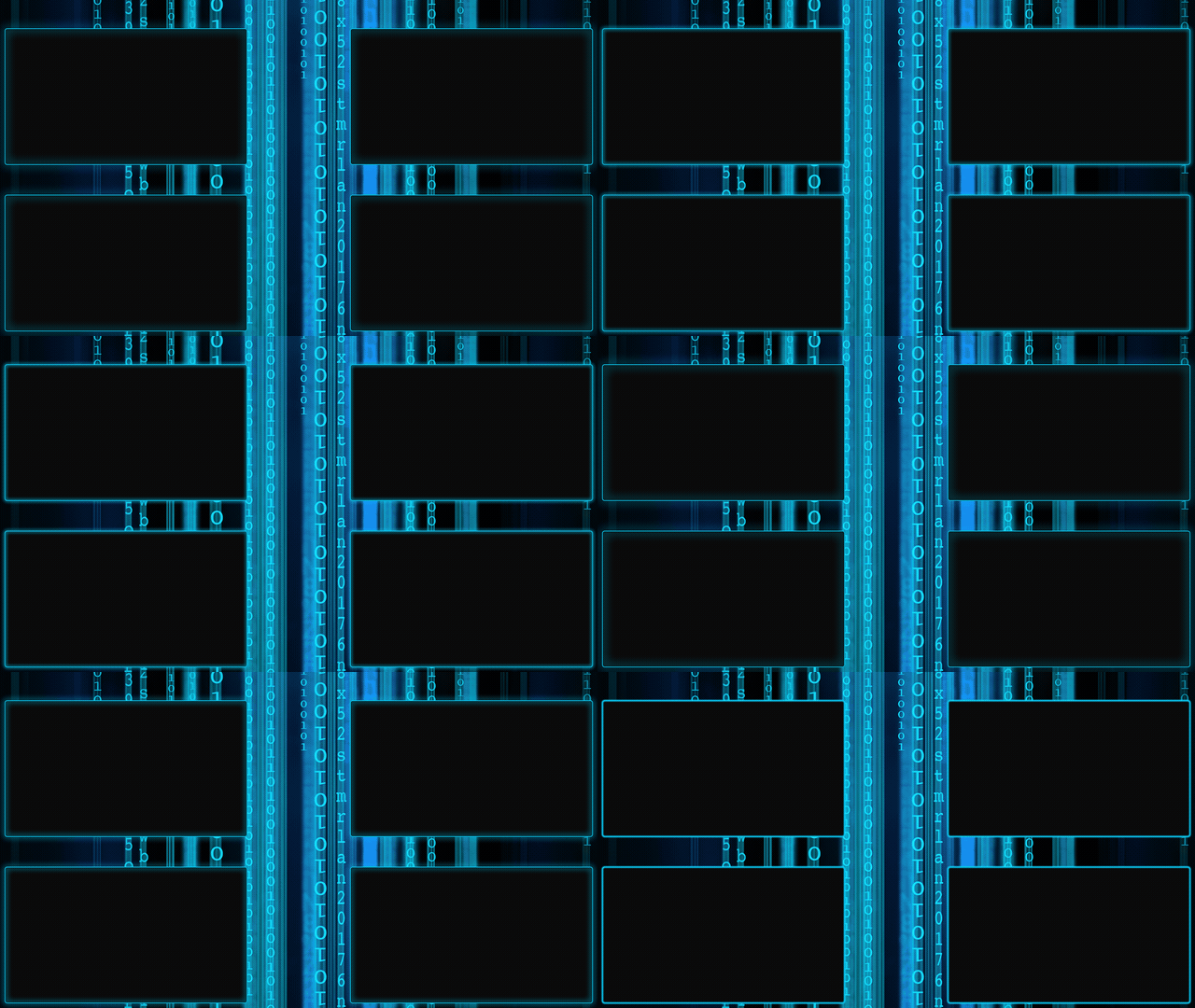 | 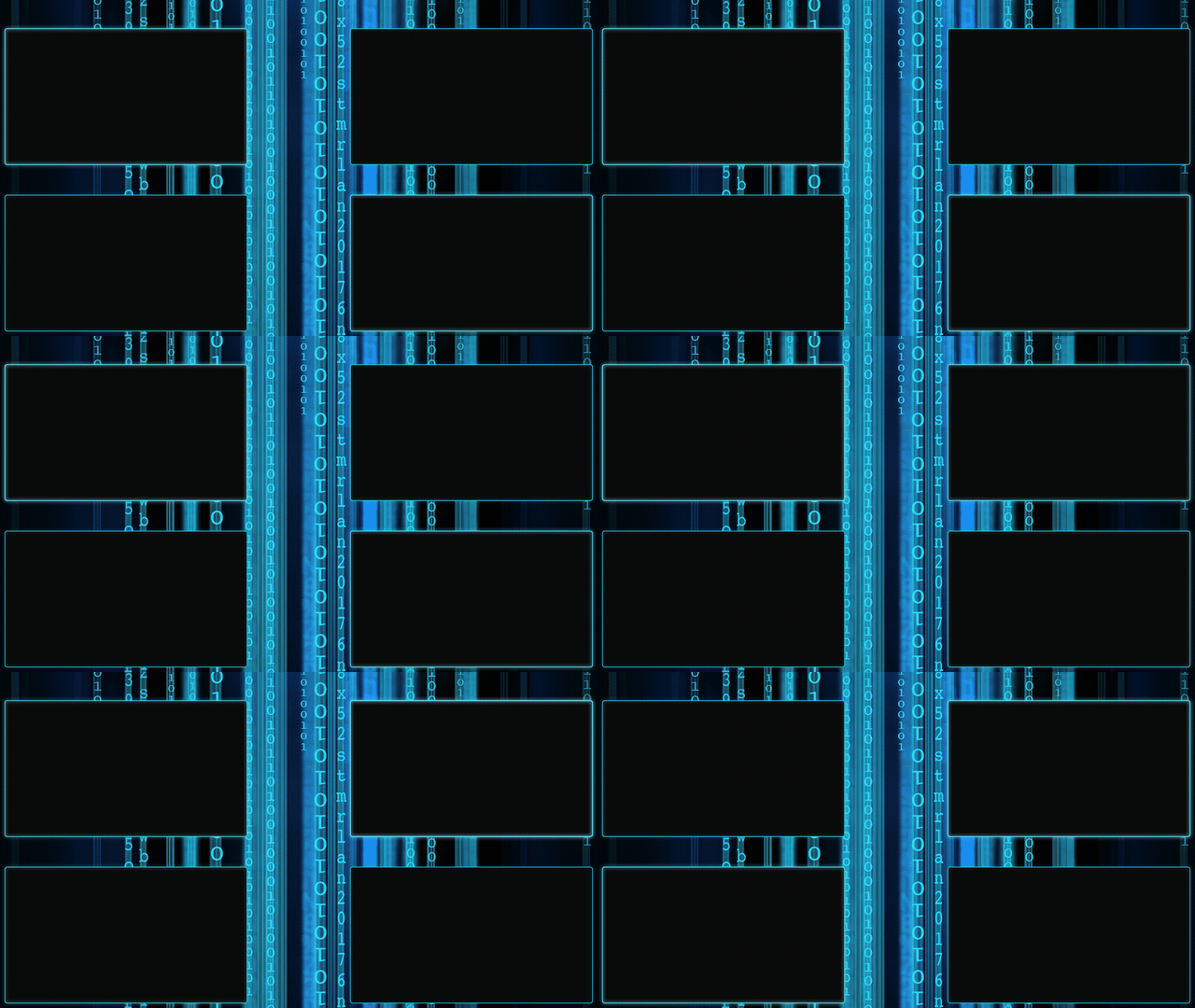 |
| `quad_gap_static.html` | `quad_gap_glow.html` | `quad_gap_breathe.html` |
| Bar | Dual Bars | Wave |
|-----|-----------|------|
| 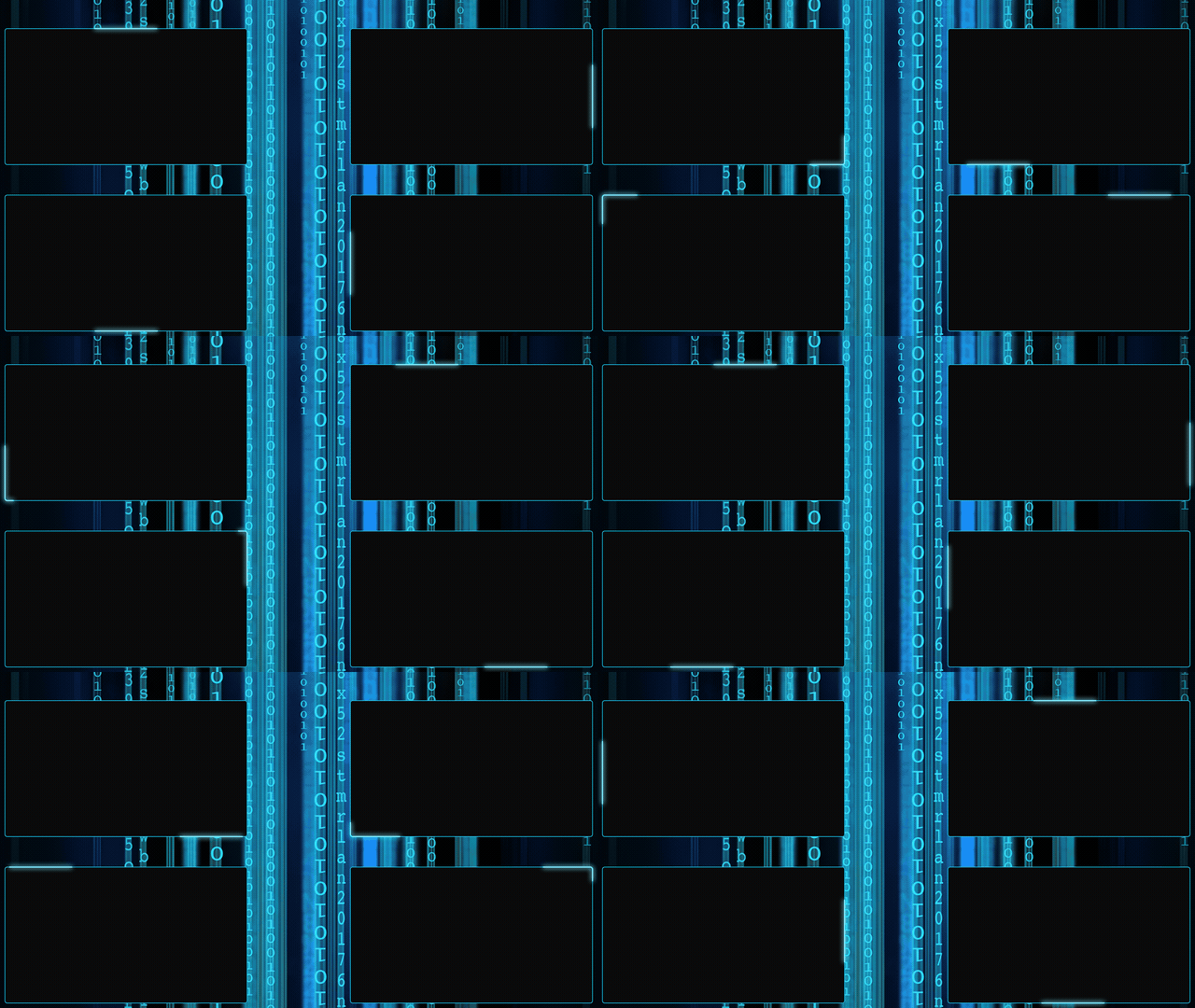 | 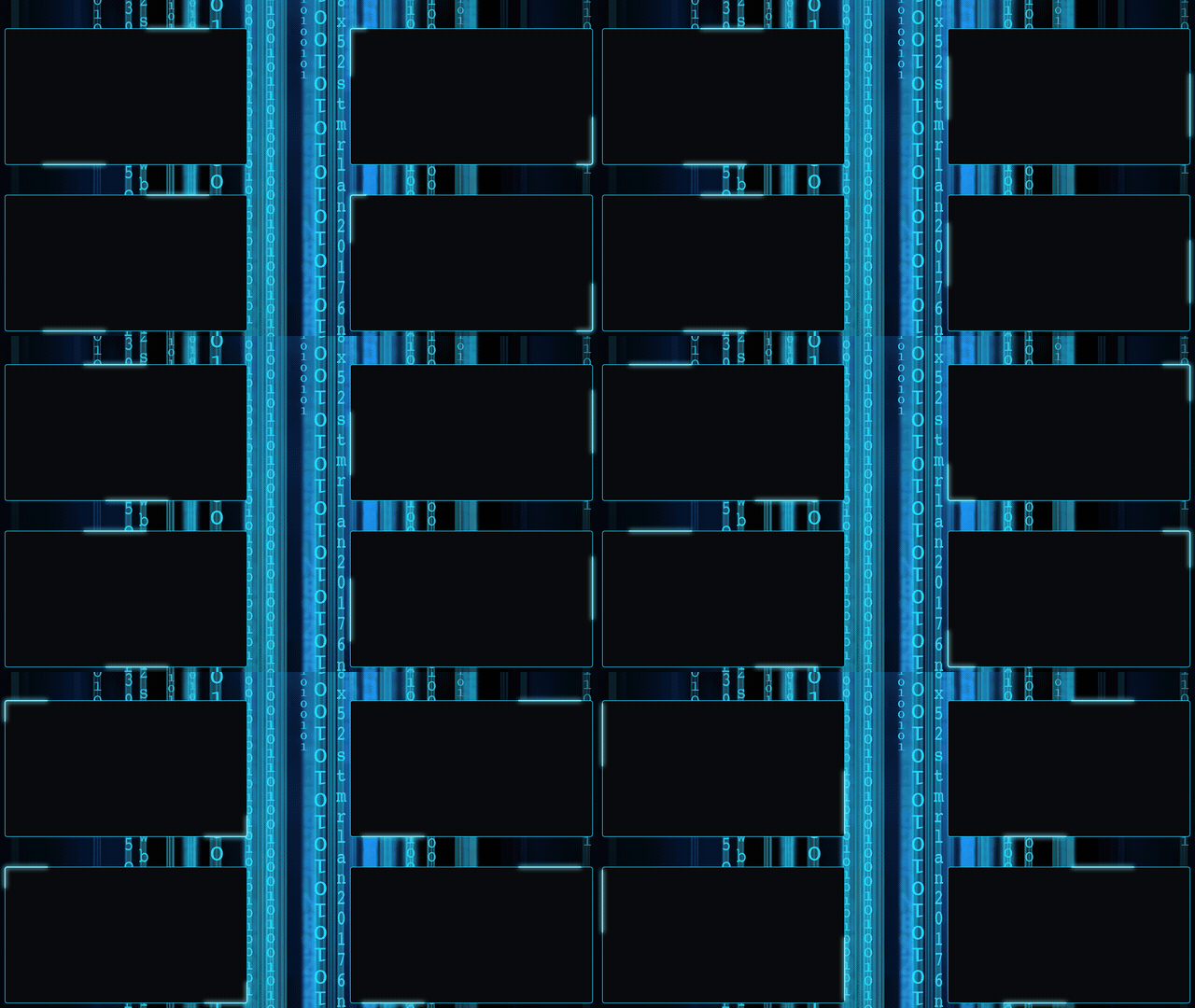 | 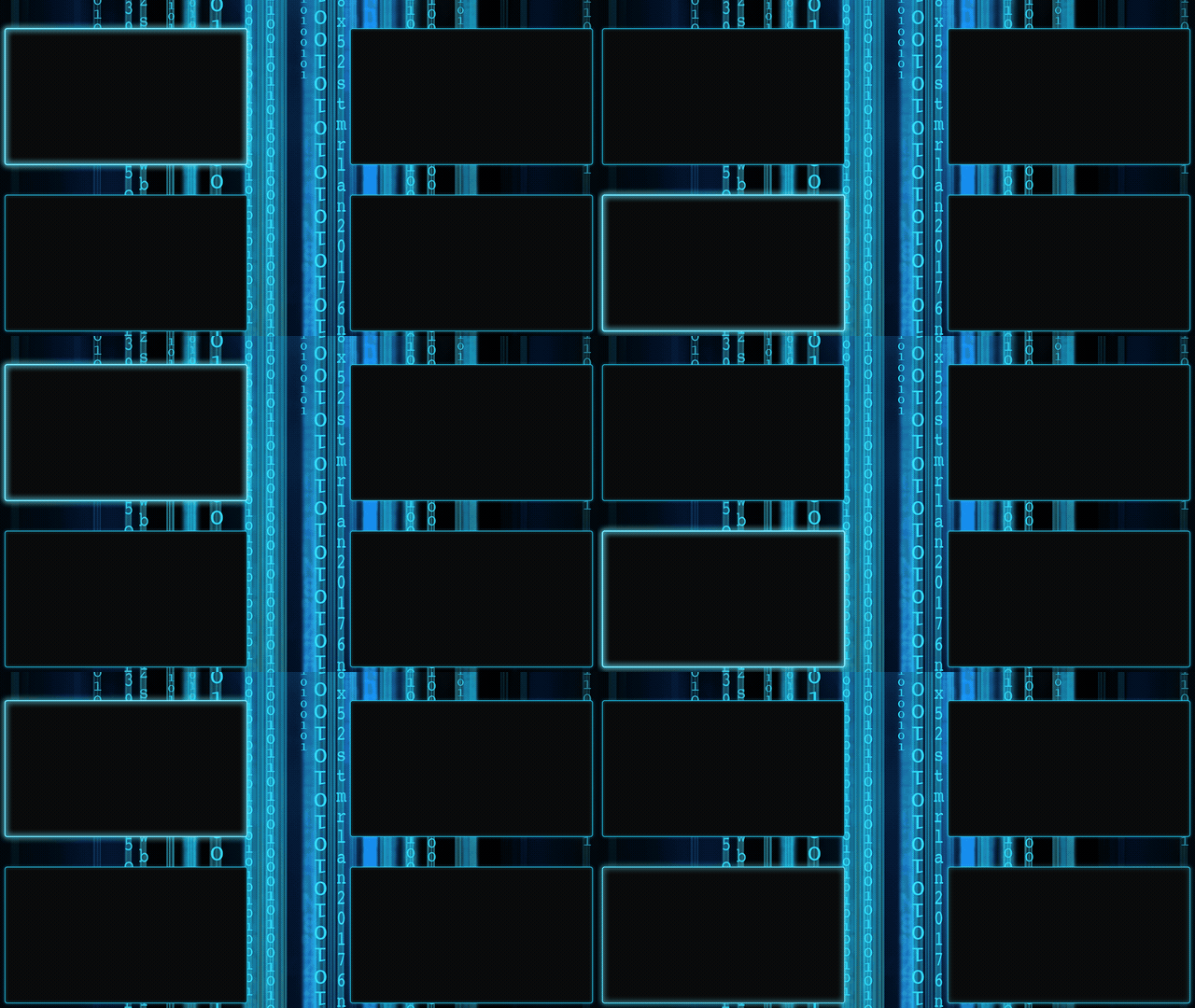 |
| `quad_gap_bar.html` | `quad_gap_dualbars.html` | `quad_gap_wave.html` |
#### Animated matrix background
| Static | Glow | Breathe |
|--------|------|---------|
| 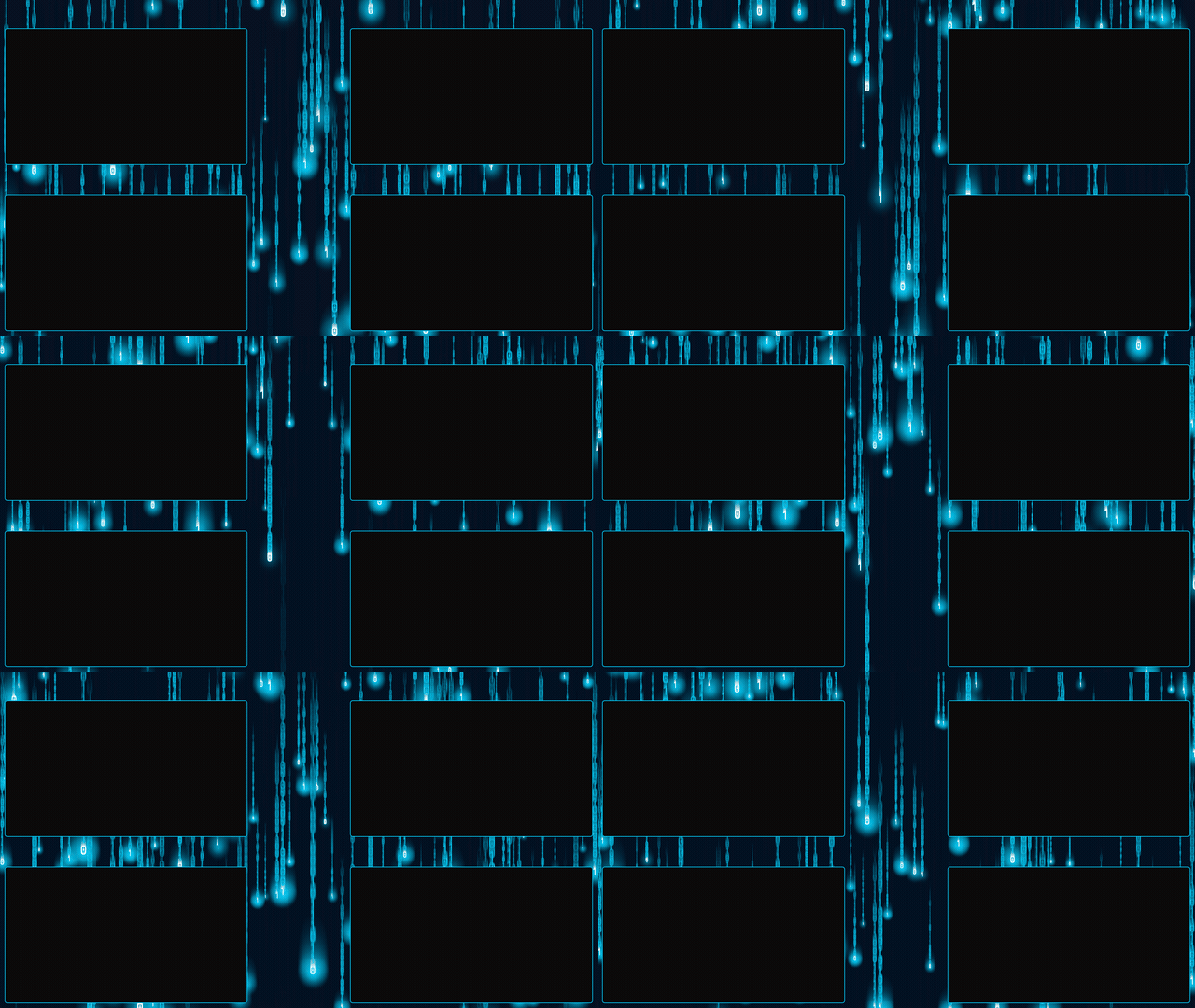 | 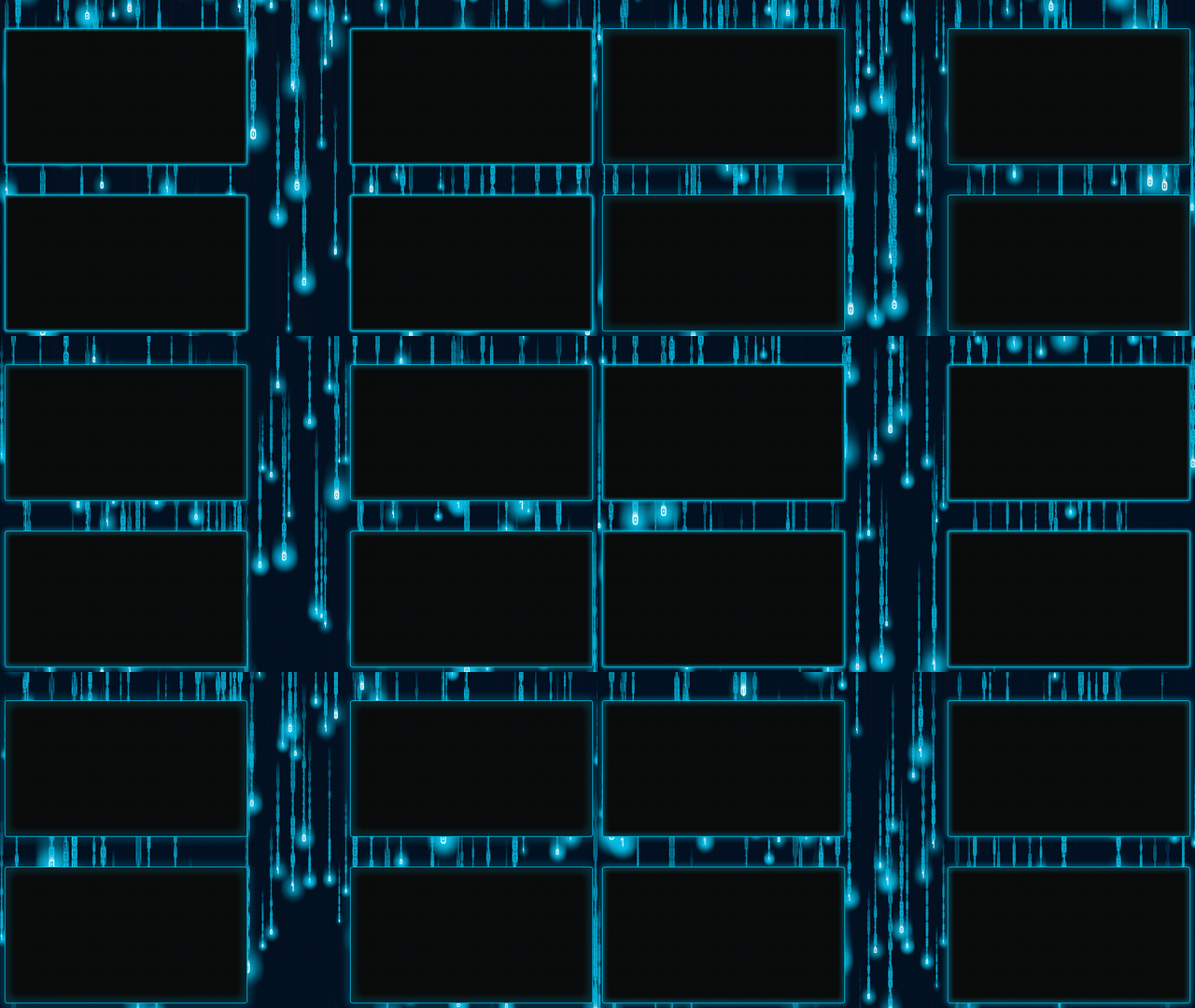 | 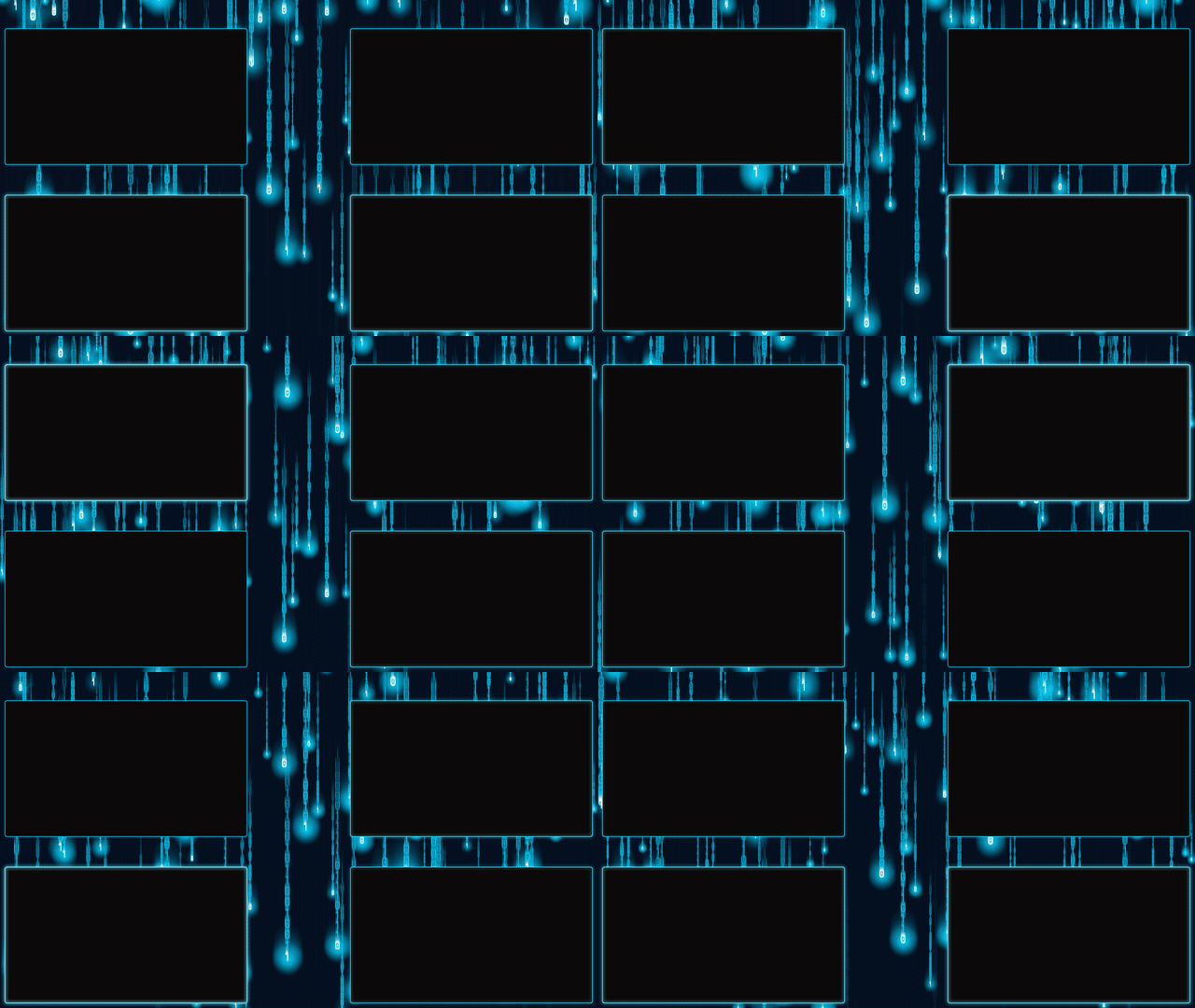 |
| `quad_gap_matrix_static.html` | `quad_gap_matrix_glow.html` | `quad_gap_matrix_breathe.html` |
| Bar | Dual Bars | Wave |
|-----|-----------|------|
| 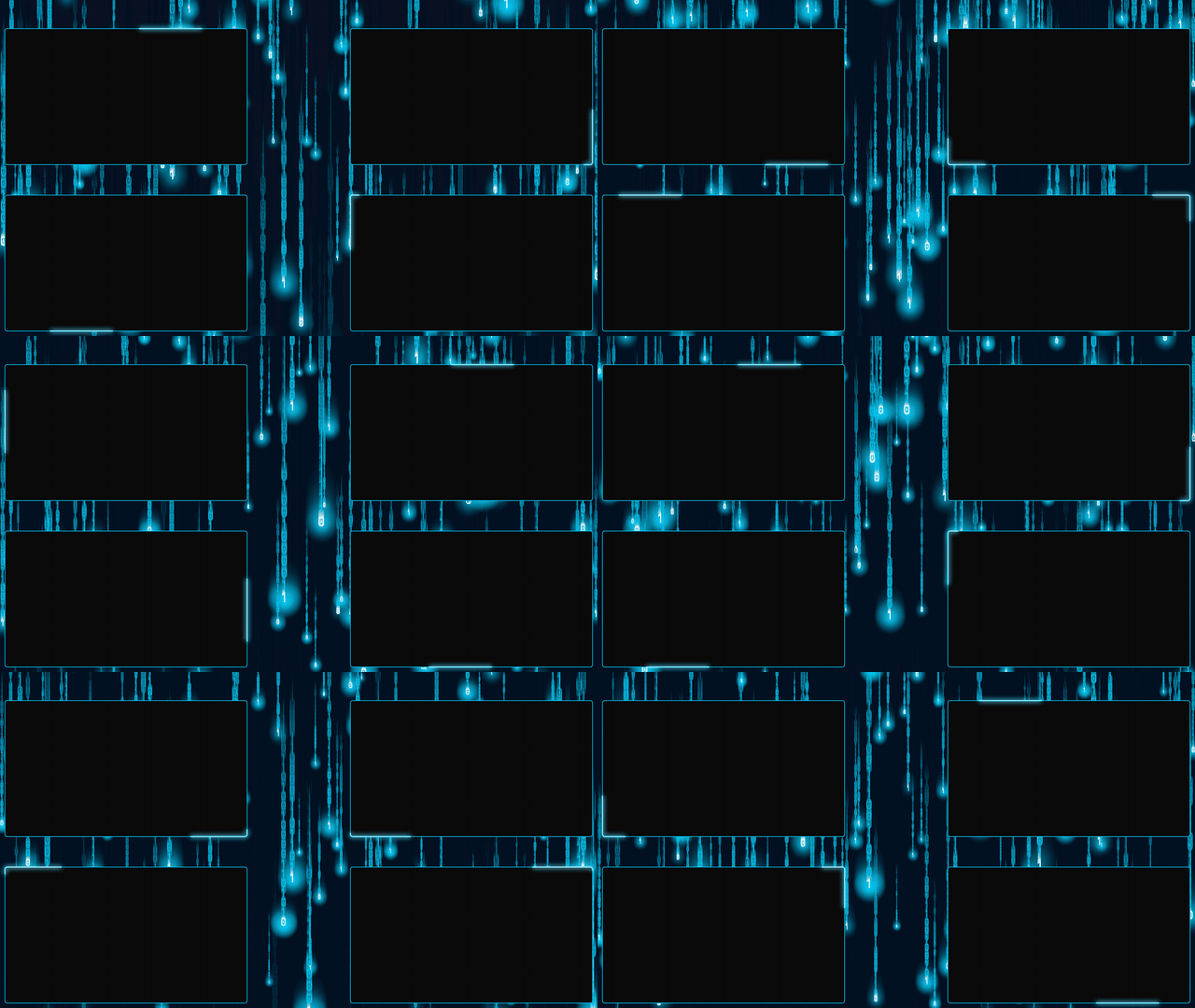 | 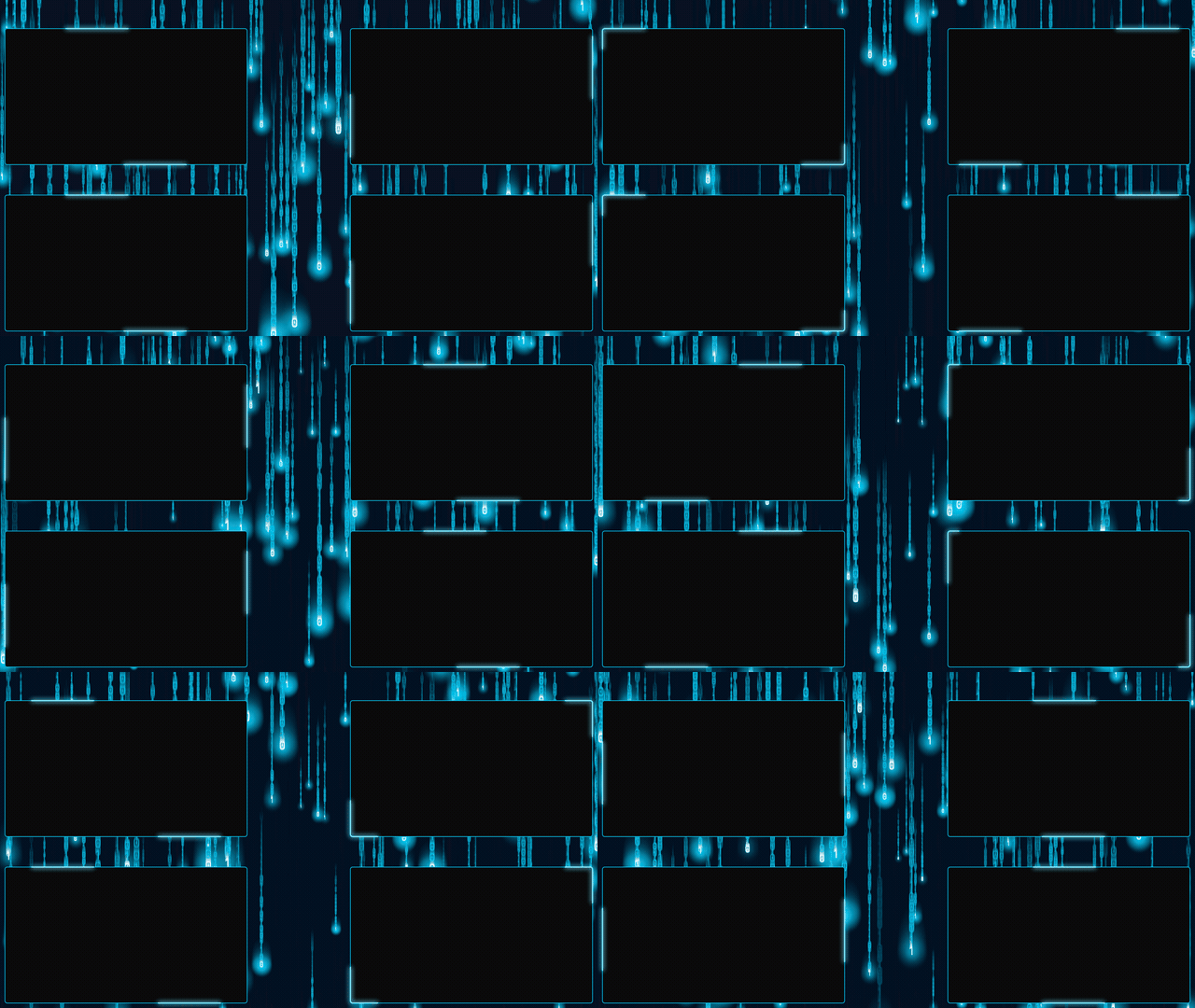 | 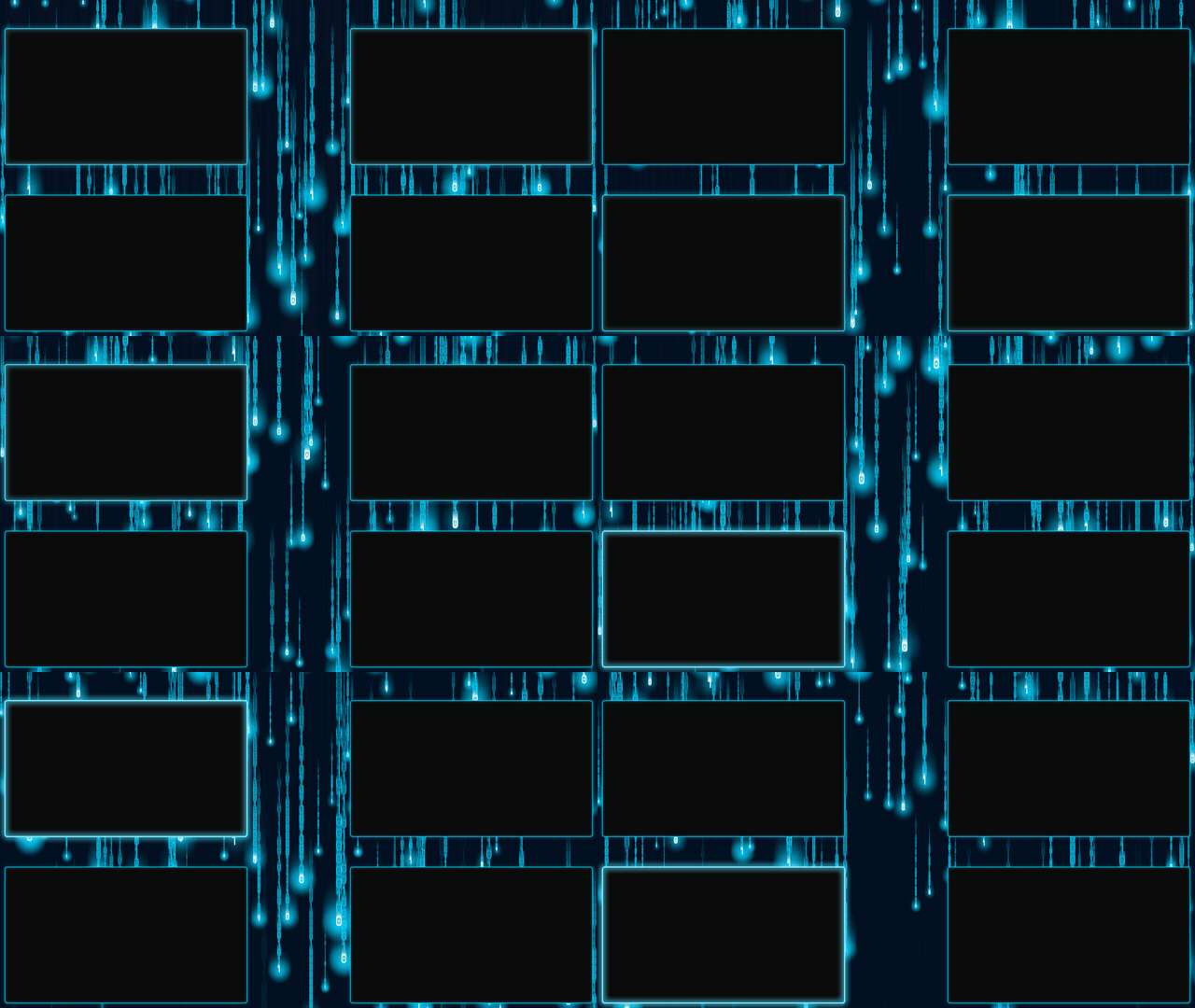 |
| `quad_gap_matrix_bar.html` | `quad_gap_matrix_dualbars.html` | `quad_gap_matrix_wave.html` |
### Standalone
| Preview | File |
|---------|------|
| 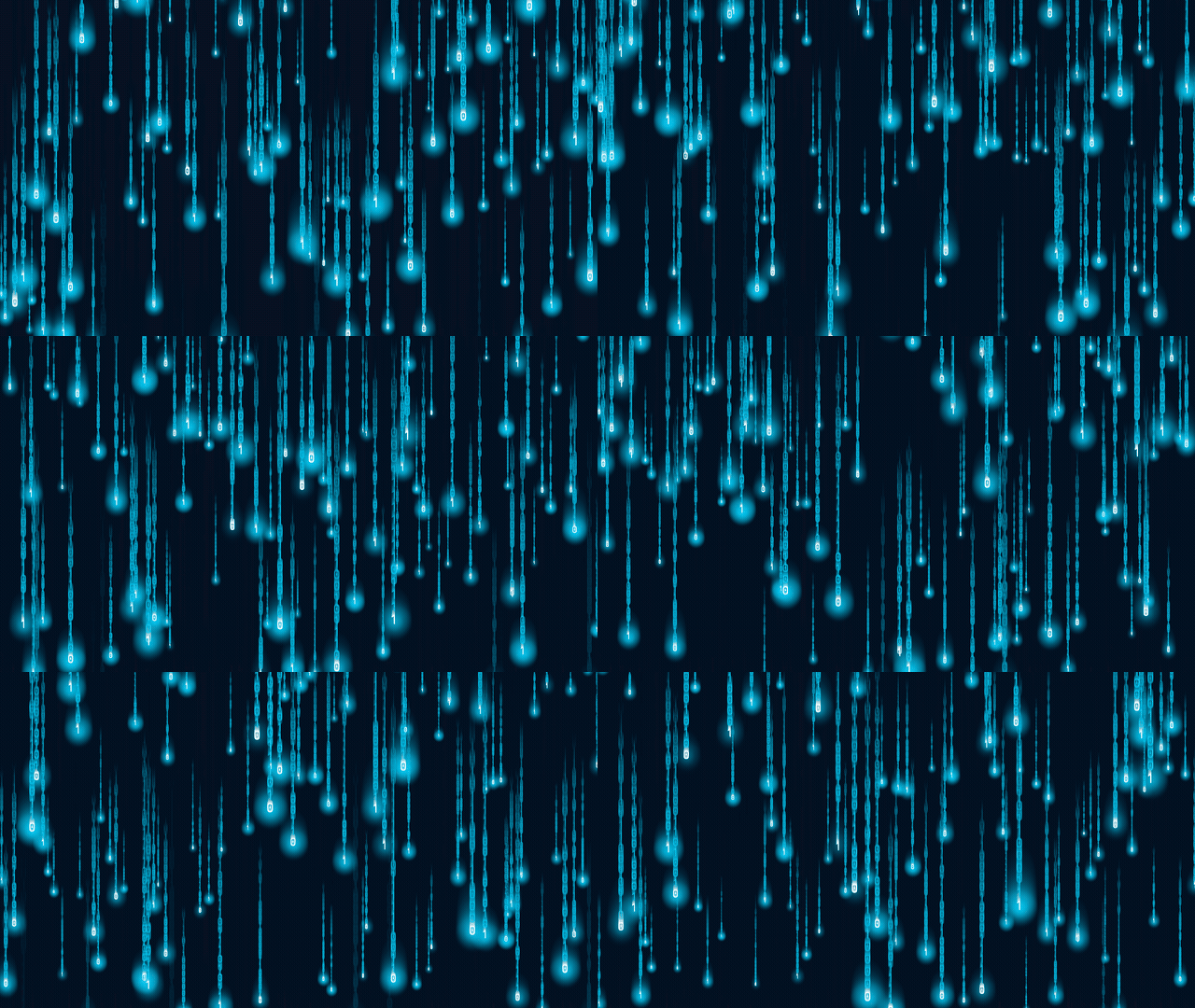 | `bg_matrix.html` — Full-screen animated matrix background (no panels) |
---
## OBS Setup
### Adding the Overlay
1. Add a **Browser Source** in OBS
2. Check **Local file** and select the overlay HTML file
3. Set **Width** to `1920` and **Height** to `1080`
4. If streaming at 60 FPS, set the browser source **FPS** to `60` (default is 30)
5. Layer game/camera sources **below** the overlay in the source list
### Game Source Transform (Edit Transform - Ctrl+E)
Right-click a game source > **Edit Transform** (or `Ctrl+E`) and enter the exact values below.
For all sources, set:
- **Positional Alignment**: Top Left
- **Bounding Box Type**: Scale to inner bounds
- **Alignment in Bounding Box**: Center
---
### Standard Layout — Edit Transform Values
Panel size: **935 x 515**
| Source | Pos X | Pos Y | Bounding Box W | Bounding Box H |
|--------|------:|------:|---------------:|---------------:|
| Set 1 (top-left) | `15` | `15` | `935` | `515` |
| Set 2 (top-right) | `970` | `15` | `935` | `515` |
| Set 3 (bottom-left) | `15` | `550` | `935` | `515` |
| Set 4 (bottom-right) | `970` | `550` | `935` | `515` |
> These panels are slightly wider than 16:9 (935:515 = ~1.815:1 vs 1.778:1). A 1920x1080 game source with "Scale to inner bounds" will be cropped ~6px top and bottom — barely noticeable. Use "Scale to outer bounds" instead if you prefer thin black bars on the sides with no crop.
---
### Gap Layout — Edit Transform Values
Panel size: **780 x 439** (exact 16:9)
| Source | Pos X | Pos Y | Bounding Box W | Bounding Box H |
|--------|------:|------:|---------------:|---------------:|
| Set 1 (top-left) | `15` | `91` | `780` | `439` |
| Set 2 (top-right) | `1125` | `91` | `780` | `439` |
| Set 3 (bottom-left) | `15` | `626` | `780` | `439` |
| Set 4 (bottom-right) | `1125` | `626` | `780` | `439` |
> These panels are exactly 16:9. A 1920x1080 game source fits perfectly — no cropping, no black bars.
---
### Visual Layout Reference
**Standard:**
```
┌──────────────────────────────────────────────────┐
│ 15px │
│ ┌──────────────────┐ ┌──────────────────┐ │
│ │ Set 1 935x515 │ │ Set 2 935x515 │ │
│ │ (15, 15) │ │ (970, 15) │ │
│ └──────────────────┘ └──────────────────┘ │
│ 20px gap │
│ ┌──────────────────┐ ┌──────────────────┐ │
│ │ Set 3 935x515 │ │ Set 4 935x515 │ │
│ │ (15, 550) │ │ (970, 550) │ │
│ └──────────────────┘ └──────────────────┘ │
│ 15px │
└──────────────────────────────────────────────────┘
```
**Gap:**
```
┌──────────────────────────────────────────────────┐
│ 91px │
│ ┌────────────────┐ ┌────────────────┐ │
│ │ Set 1 780x439 │ 330px │ Set 2 780x439 │ │
│ │ (15, 91) │ │ (1125, 91) │ │
│ └────────────────┘ └────────────────┘ │
│ 96px │
│ ┌────────────────┐ ┌────────────────┐ │
│ │ Set 3 780x439 │ │ Set 4 780x439 │ │
│ │ (15, 626) │ │ (1125, 626) │ │
│ └────────────────┘ └────────────────┘ │
│ 15px │
└──────────────────────────────────────────────────┘
```
---
## Color Palette
| Color | Hex | Usage |
|-------|-----|-------|
| Cyan | `#00d4ff` | Panel borders, matrix rain trail |
| Light cyan | `#80eaff` | Animated glow highlights |
| Dark navy | `#0a1628` | Matrix background base |
| White | `#ffffff` | Matrix leading characters |